The HubSpot integration for Funnelytics allows for seamless syncing of your contacts and deals into Funnelytics. As contacts are created and deals are closed, Funnelytics will automatically create actions for these in your workspace.
To get started, go to the integrations page in your workspace.
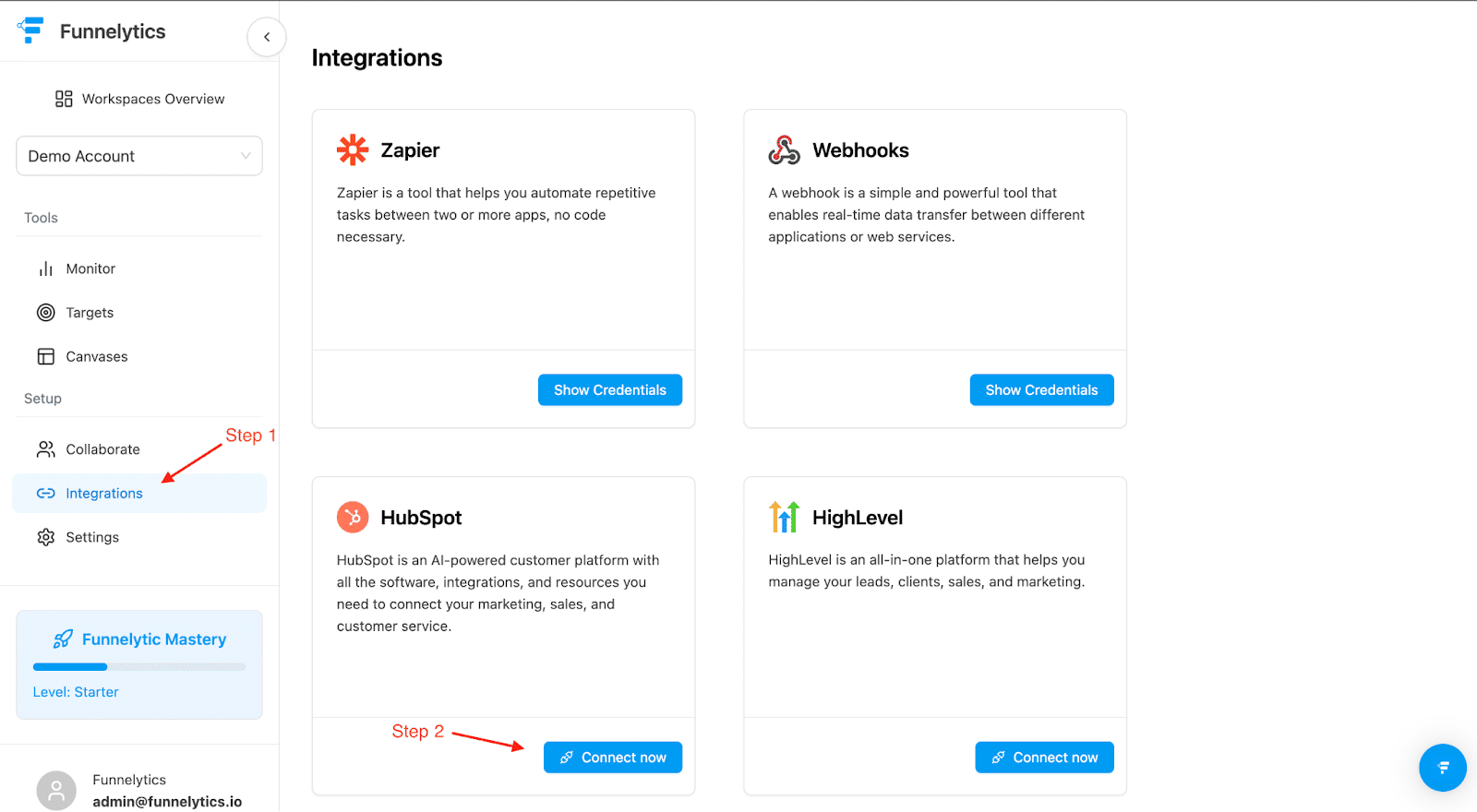
You will be redirected to HubSpot to confirm that you would like to install the Funnelytics app. Once you’ve confirmed, you should see this confirmation on the integrations page in Funnelytics.
All new contacts and deals will now sync with Funnelytics. As contacts and deals are created, you can use them in your canvas.
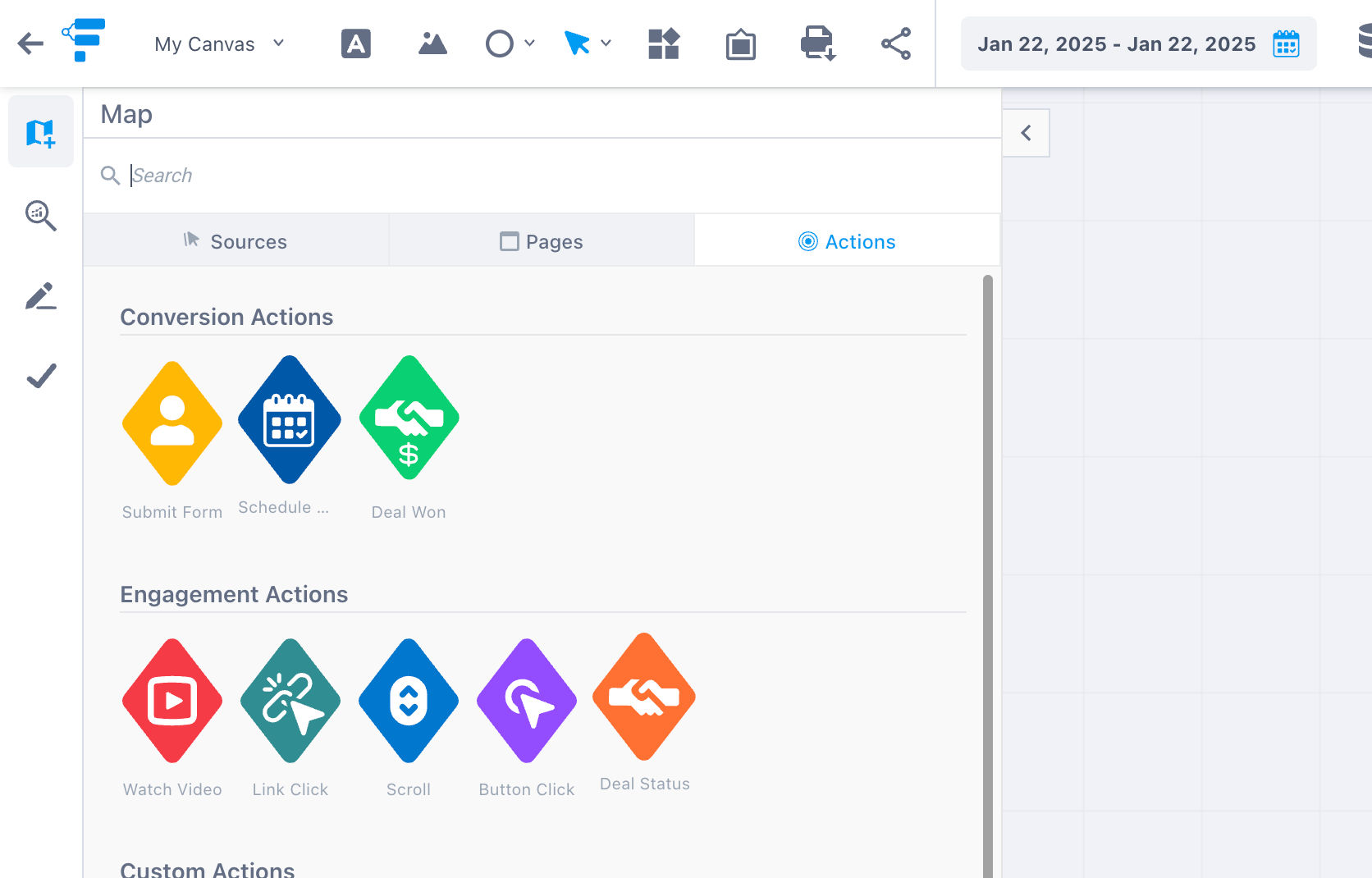
To add deals to the canvas, simply drag the "Deal Won" onto the canvas.
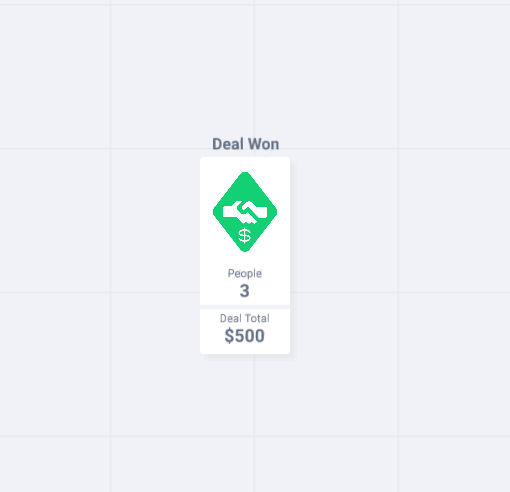
You will now see a step on the canvas that looks like this.
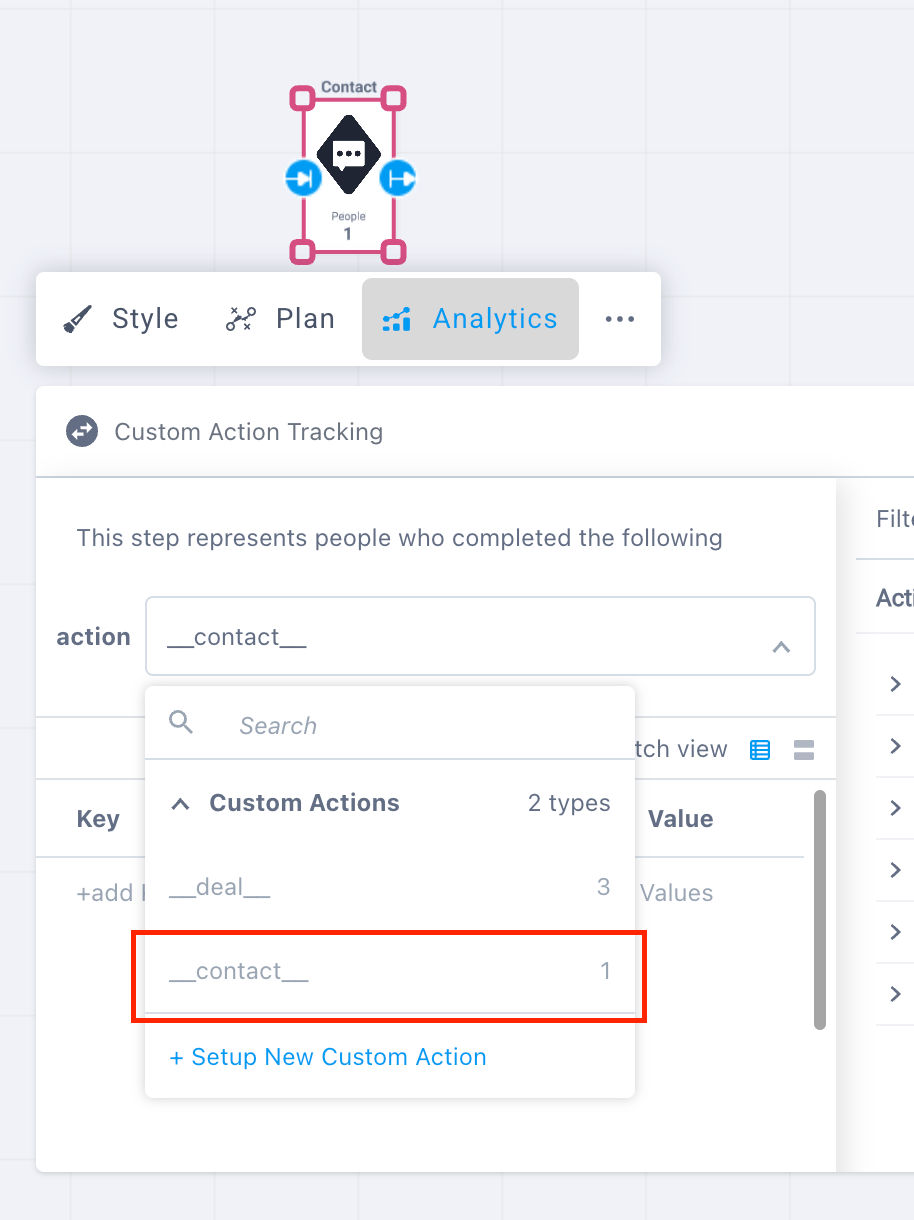
Now to add a step for a contact creation, you'll need to add a custom event called "__contact__".