
To give you a direct answer:
Unfortunately, deleting a canvas is a permanent action that cannot be reverted.
When a canvas is deleted, it is permanently removed from our servers for security and privacy reasons. There is no "trash bin" or recovery option available once the action is confirmed.
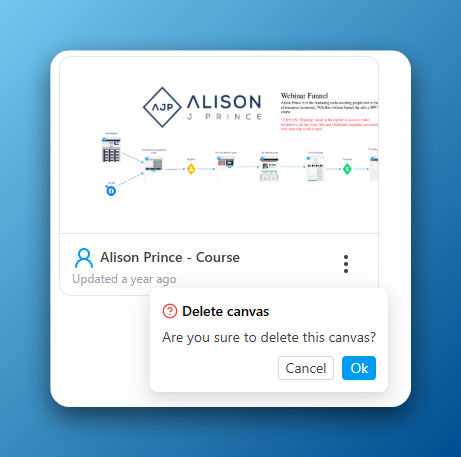
To help prevent this, the system will always show a confirmation pop-up window before a canvas is deleted, warning you that the action is final.
Best Practices to Protect Your Work
Since recovery isn't possible, the best approach is to adopt habits that prevent accidental deletion in the first place. Here are a few strategies our team recommends:
1. Create "Archive" and "In Use" Tags
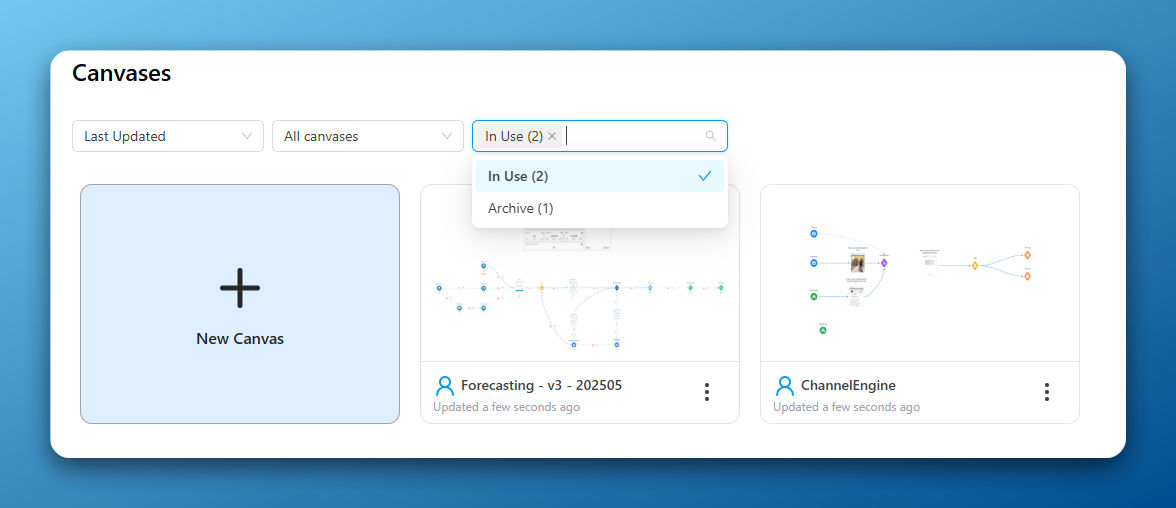
Instead of deleting canvases you don't need right now, consider adding an In Use and an Archive tags to separate them accordingly.
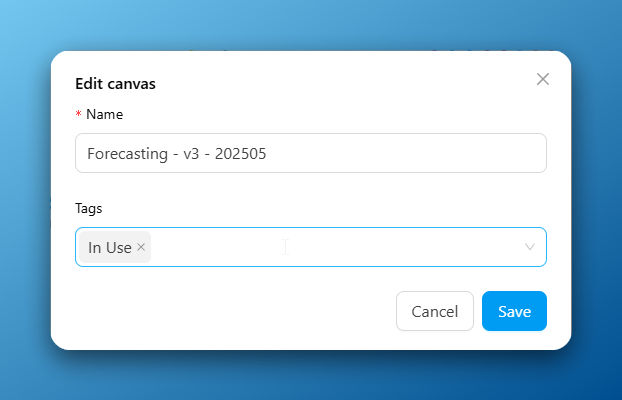
This will help you keep your workspace organized and clutter-free (by filtering the canvas view without the risk of permanently losing your work.
2. Use Clear and Descriptive Naming Conventions
A cluttered workspace with poorly named canvases can easily lead to mistakes. Avoid generic names like "Untitled Canvas" or "Funnel Copy."
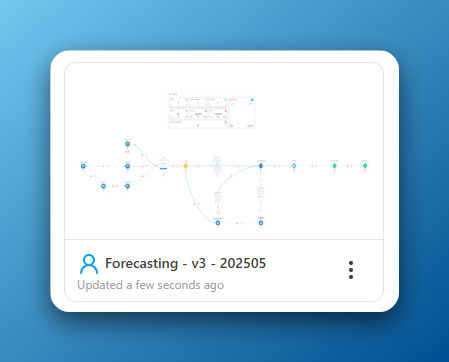
Adopt a clear naming system like [Project Name] - [Funnel Version] - [Date]. For example, a canvas named Q4 Webinar Funnel - v2 - Aug 2025 is much less likely to be deleted by mistake than Copy of Funnel (2).
While we can't recover a canvas once it's gone, we hope these strategies help you manage your workspace effectively and keep your work secure.
If you have any other questions, please don't hesitate to reach out to our support team via the chat bubble or email at support@funnelytics.io